 ONOSOO
Stop switching apps: how one workspace gives you back time every day
October 28, 2026 · The ONOSOO team
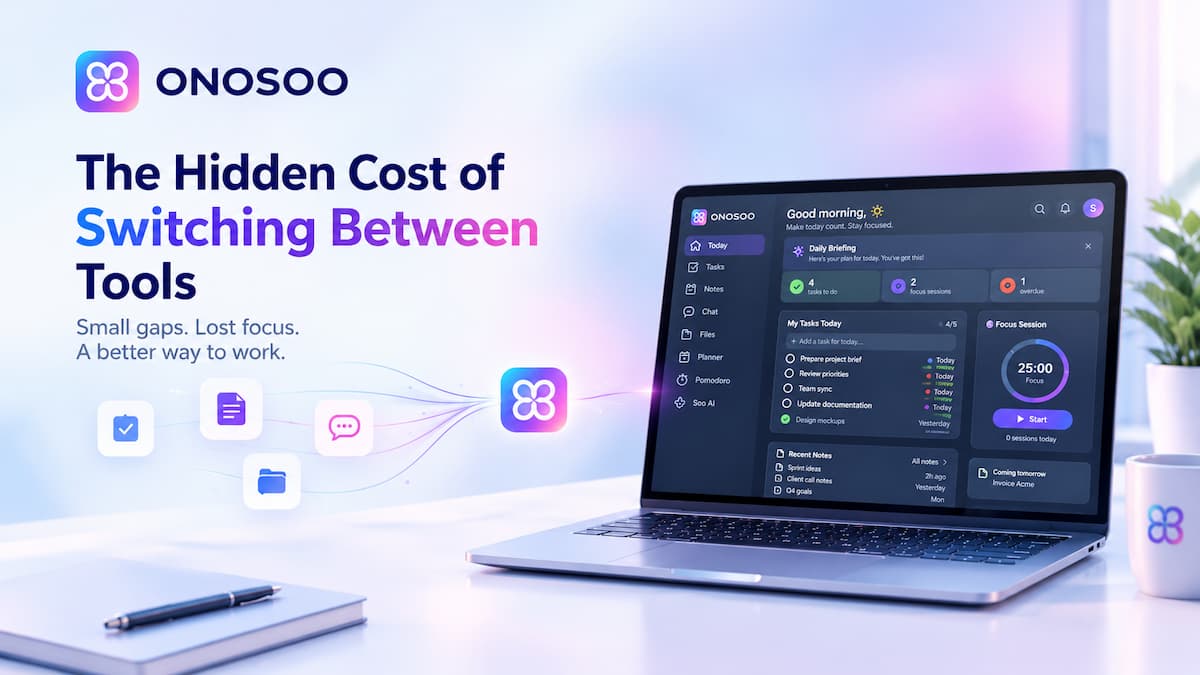
Most of us don’t lose time on big things. We lose it in small gaps: finding the right chat, searching for a file, copying a task out of a message, checking which app has the latest version of a note.
Each gap feels like a few seconds. Add them up over a week and they become hours, and you pay for each one again in lost focus.
Where the time actually goes
Watch your own day for an hour, and you will probably see this pattern:
- Looking for things. “Was that in chat, email, or a shared drive?”
- Copying between tools. A request arrives in chat, then you retype it into a task app.
- Re-reading to catch up. Every switch means a moment of “where was I?”
- Checking several places. Tasks in one app, calendar in another, notes in a third.
Not one of these is real work. It is the overhead of keeping your work in too many places.
Try this: count your switches
For one morning, make a small mark on paper every time you change apps to find or move information. Don’t change anything else. Just count.
Most people are surprised by the number. That count is your starting point. The goal is not zero; it is fewer.
Five habits that save time
1. Give every piece of work one home
Decide where tasks live, where notes live and where files live, and stick to it. If something could be in two places, it will end up in neither when you need it.
2. Turn messages into tasks immediately
When someone asks for something in chat, make it a task right away, with a due date and an owner. Then you can forget the message, and the task list does the remembering for you.
3. Keep notes next to the work
Meeting notes, decisions and drafts are most useful when they sit next to the tasks and files they relate to, not in a separate notebook you have to remember to open.
4. Search once, not everywhere
If your tasks, notes, chat and files are in one place, one search finds them all. That alone removes most of the hunting.
5. Protect focus time
Pick one or two blocks a day for deep work. Close chat, start a timer, and work on one thing. The switching you avoid is time you get back.
How ONOSOO helps
We built ONOSOO around one idea: One. Stop. Your work should live in one place, so you are not paying the switching cost all day.
- Tasks, notes, chat and files together in one workspace, so you always know where things live.
- Turn a conversation into a task without retyping it.
- One search across your workspace.
- A built-in focus timer for your deep-work blocks.
- Soo, your assistant, to help you summarise, draft and find things faster.
- Nepali (BS) and English (AD) dates side by side, so you don’t need a separate calendar to convert.
You don’t have to move everything at once. Start with one team or one project, and count your app switches again a week later.
Start small
- Count your app switches for one morning.
- Pick one project and move its tasks, notes and files into one workspace.
- Turn every new chat request into a task the moment it arrives.
- Block one focus session a day.
Small changes, done every day, give you back real time.
Try ONOSOO free at apps.onosoo.com.